Product visualization
Photo-quality stills, cut out or staged in a scene, in the resolution print and web need.
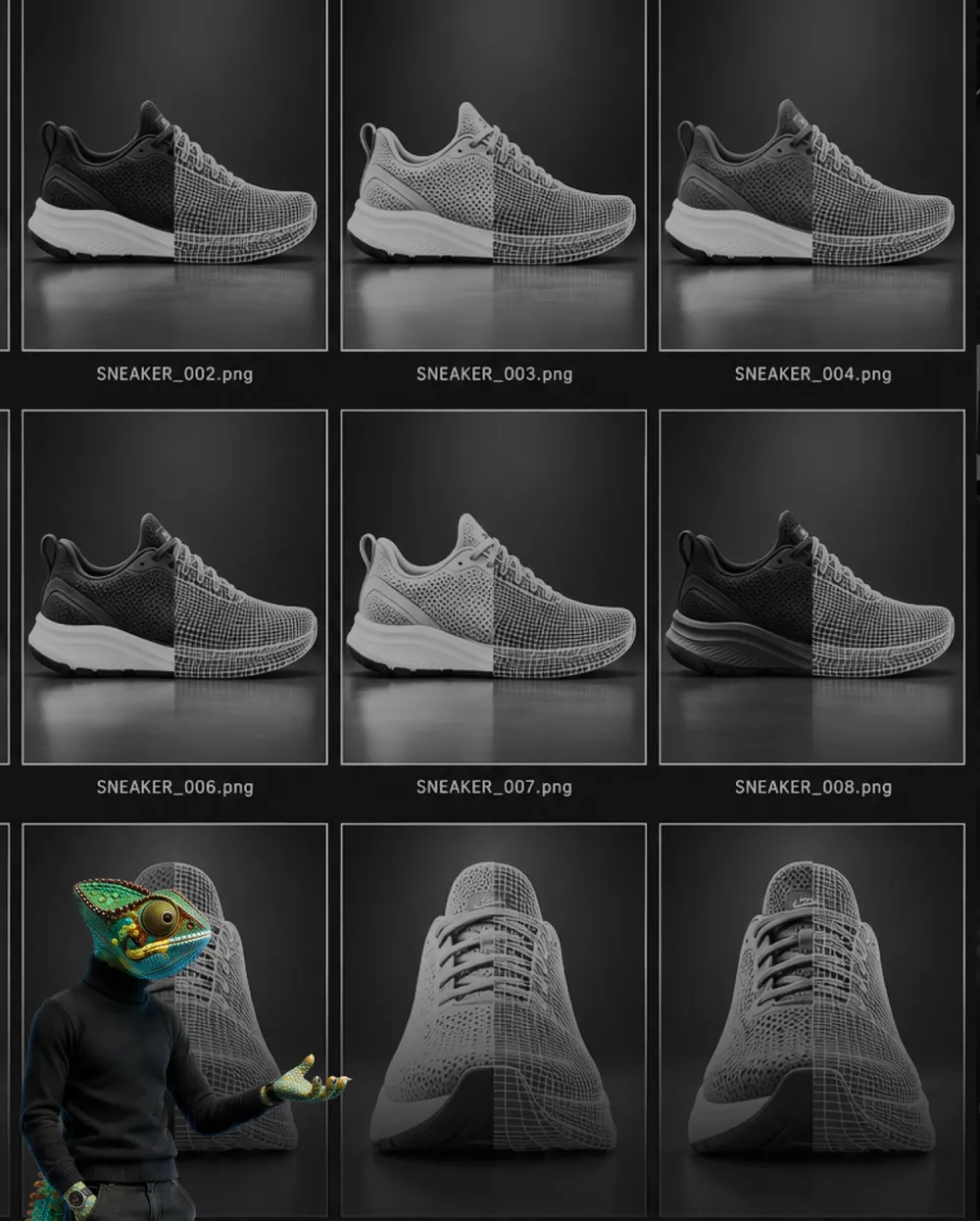
3D instead of a photo shoot
A product photo needs a product. That sounds banal, but it is the most expensive sentence in any product launch: before anything can be photographed, a sample has to exist, and until then catalog, website and trade fair stand are on hold.
From CAD data, the image is created alongside development instead. By the time series production starts, the material is ready. That is the reason manufacturers switch to visualization, and not image quality: with a good shoot that is just as good.
The second reason is variants. Twelve colors, three sizes, two finishes: photographically that is 72 setups. In 3D it is one model and a list. And when a detail changes, nothing is reshot, it is simply re-rendered.
What 3D cannot do: real people, real rooms, real accidents. Where atmosphere counts and the product is within reach anyway, the photo shoot stays the better choice. We say so before the job is signed.
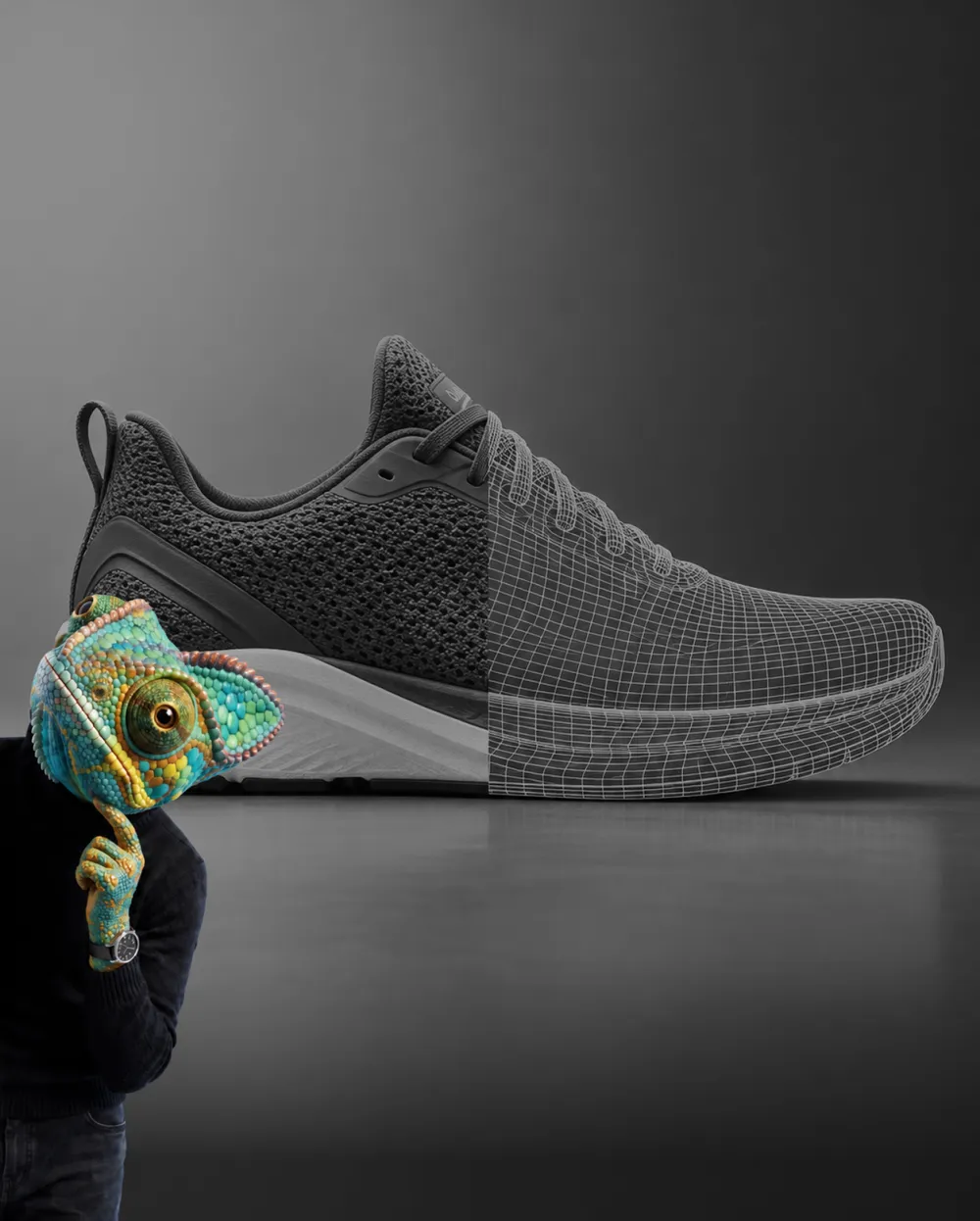
Whether a rendering convinces is not decided by the resolution, but by the light. A product against a white background with even lighting looks like a model. Only reflections with a direction, soft shadows and materials with small irregularities make it look real.
That is why the effort sits at the beginning. Once the model is built and the lighting is set, the twentieth image costs a fraction of the first. If you only need a single shot, you pay for the entire setup for that one image, and then a photo is often cheaper.
What we deliver
Photo-quality stills, cut out or staged in a scene, in the resolution print and web need.
Colors, materials, equipment levels. Built once, extended on request after that.
What happens inside, made visible. Particularly useful where sales would otherwise explain with their hands.
The product where it is actually used. Factory floor, kitchen, construction site, without anyone having to travel there.
The same model produces animations for trade fair and web. That saves the second setup.
How we work
We look at your CAD files and tell you what can come of them. Usually what engineering already has is enough.
Prepare the model, assign materials, set the light. This is where the look is created that applies to every image after it.
One shot in full quality for approval, before the whole series is rendered. Corrections cost the least here.
Every shot and every variant, in the formats for print and web. The image files are yours afterwards.
Professional Services
Building the company website with a redesign of the logo, a clear brand identity and a well-thought-out UI and UX concept for a modern and intuitive user experience.

Retail & Wholesale
Redesign of an online shop for horse products with a focus on UX, clear product pages and a well-considered site structure for an optimal shopping experience.
Hospitality & Leisure
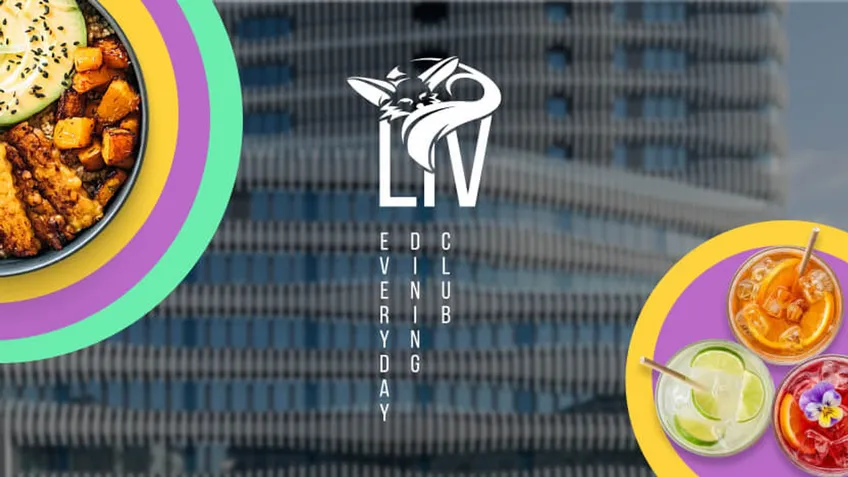
The branding for the robot restaurant on the ground floor of the RKM 740 in Düsseldorf-Heerdt covers the logo, color scheme, typography and menu.
What we need
It is easiest when the CAD model already exists. STEP, IGES, SolidWorks, Inventor: all of it is workable. We do not need special exports, just what is already in the house.
Where no CAD data exists, we build the model from drawings or photos. That costs more, but it is possible and it pays off when many images follow.
Part of the data is information that appears in no file: which surface is brushed, which is painted, how glossy the material really is. A sample in hand helps more than any description, but it is not a must.
The finished images are yours afterwards, with no usage limits by channel or time. The market often bills that separately, we do not.
The same model later yields more than a still. A turntable for the product page, an animation for the trade fair screen, a cutaway through the housing for training: all of it uses the setup that is paid for anyway. Where that turns into a whole film, it continues at Motion Design.
If you need images for the online shop, talk about consistency early. Twelve products, photographed on twelve days, look different twelve times over. Rendered images share light and perspective, which shows immediately in the grid of a category page: the row looks calm instead of thrown together.
Finally, a practical thing that saves time: tell us up front where the images will end up. A catalog needs CMYK and 300 dpi, the shop a square format with room for the crop, the trade fair sometimes several meters of width. We render that in one pass instead of three.
Frequently asked
The price depends on the model, the shots and the variants. Building the model is the largest item, every further image after it is considerably cheaper. A first product image including the model build starts at around €1,500, a series of ten views usually lands between €4,000 and €8,000; animations come on top depending on length. We name the exact range as soon as we have seen your CAD data. For Rethink Robotics we pulled the images for the landing page, the website and the trade fair stand from one model of the cobot Sawyer: one model, three uses. Small and medium-sized companies may be able to use BAFA funding for this; whether your project meets the conditions is checked by COZMOO.
As soon as there are variants or the product does not exist yet, almost always. For a single finished product and a lot of atmosphere, the photo shoot is often the better choice.
CAD data in one of the usual formats, STEP or IGES for example. Without CAD we build from drawings, which takes longer. Plus details on materials and finishes.
To you, for every channel and with no time limit. Separately billed image rights are common in this industry, not with us.
That depends on the model. After the test image is approved the series goes quickly, because from then on it is only render time. The dates are in the quote.
Our focus is on products. We build rooms and environments where they show the product. For pure architectural visualization there are specialists who do it better.