Why WordPress updates matter
WordPress, the world's most popular content management system, keeps evolving. But why are these regular updates so important? They serve not only to add new features but also to close security gaps and improve performance. Given the rapid development of WordPress, plugins and themes, such updates can even occur several times a week.
In this post we dive a little deeper into the world of WordPress updates, shed light on their purpose and explain why it is essential to run them regularly.
When a WordPress site gets hacked, it is usually due either to weak passwords or to neglected updates, because updates frequently close security gaps too. But not all updates are the same.
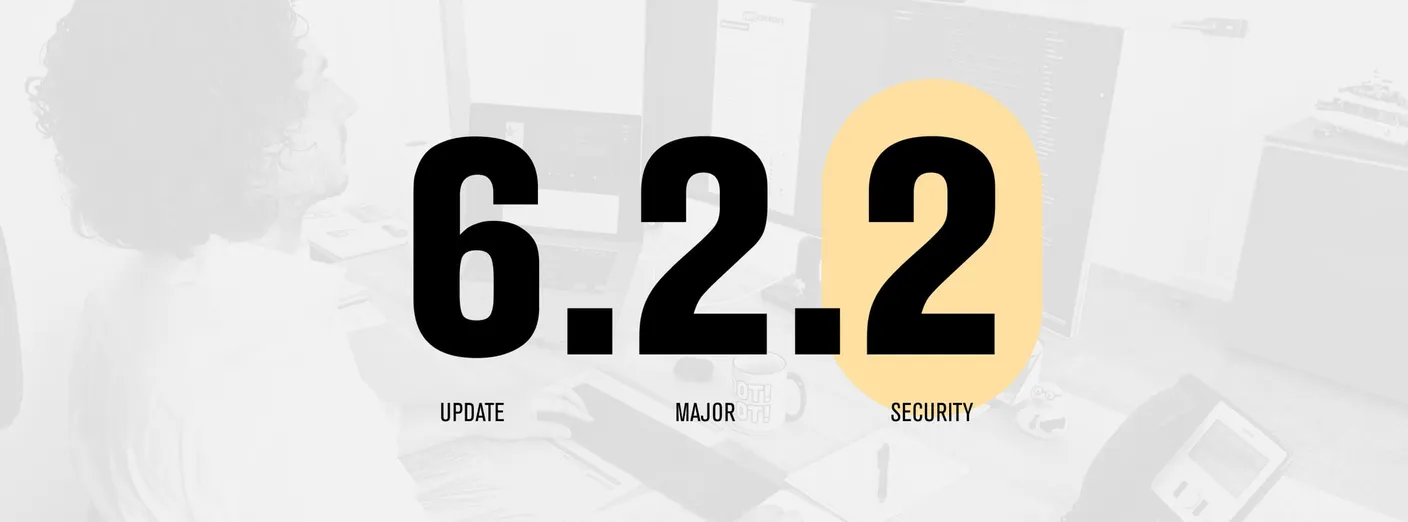
Third-digit updates: security updates
In the world of WordPress, the update versions that change the third digit are particularly relevant. These updates are often called security or minor updates. But what is behind them?
Security updates
Security updates have the highest priority. When a vulnerability is discovered in WordPress, it is quickly fixed by such an update. These updates add no new features but focus exclusively on keeping the website secure. The risk that a security update breaks something on the website is minimal. It is, however, crucial to install these updates as quickly as possible to fend off potential threats.
Minor updates
Minor updates, on the other hand, fix smaller errors or bugs in the system; they too usually contain no new features. But they make sure WordPress runs smoothly and that small problems that have crept in are eliminated.
Second-digit updates: major updates
Major updates, which change the second digit of the version number, mark significant advances in WordPress. These updates often bring new features, noticeable improvements or larger overhauls. While they offer exciting innovations, it is advisable to create a backup of your website before installing them. Sometimes such extensive updates can lead to compatibility problems with certain plugins or themes. It therefore makes sense to check major updates in a test environment before implementing them on the live website.
A maintenance contract for WordPress updates by WAGEMUT
Regular WordPress updates are essential to minimise problems. One rule of thumb says the more frequently updates are run, the fewer problems are to be expected; on the other hand, updates installed too early can lead to incompatibility with plugins.
In general, it is recommended to run updates at least once a month. For less active websites a 14-day rhythm may be enough, while for more complex websites, such as those with WooCommerce, weekly checks make sense. There should be a current backup before every update.
Our studio takes care of all these tasks as part of a maintenance contract, so you can sit back and relax.
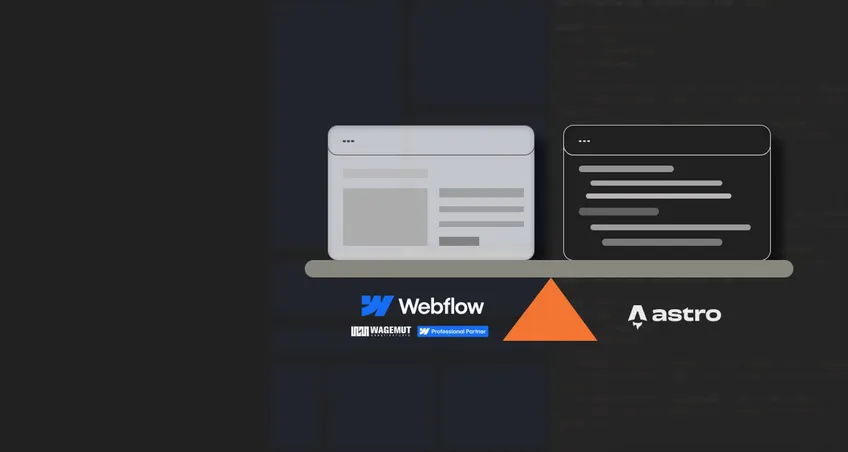
Webflow as an alternative to WordPress
In the world of website creation, Webflow has established itself as an impressive alternative to WordPress. An outstanding advantage of Webflow is that no regular system updates are needed, which considerably reduces the maintenance effort. Webflow's CMS is more than sufficient for most websites and offers an intuitive user interface. Many users find Webflow considerably easier and more user-friendly to handle than WordPress. This makes it an attractive option for those looking for a reliable and less maintenance-intensive platform for their web projects.
As a Webflow Professional Partner we are happy to advise you on the options and make sure your project gets the best system. Get in touch with us today.